Tight!
Build from sites you admire.
Capture UI you like in Chrome and paste it into Velork as editable layers to remix.
Already have an account? Log in.
 Velork Capture
New Tab
VelorkDocsGitHubDesign
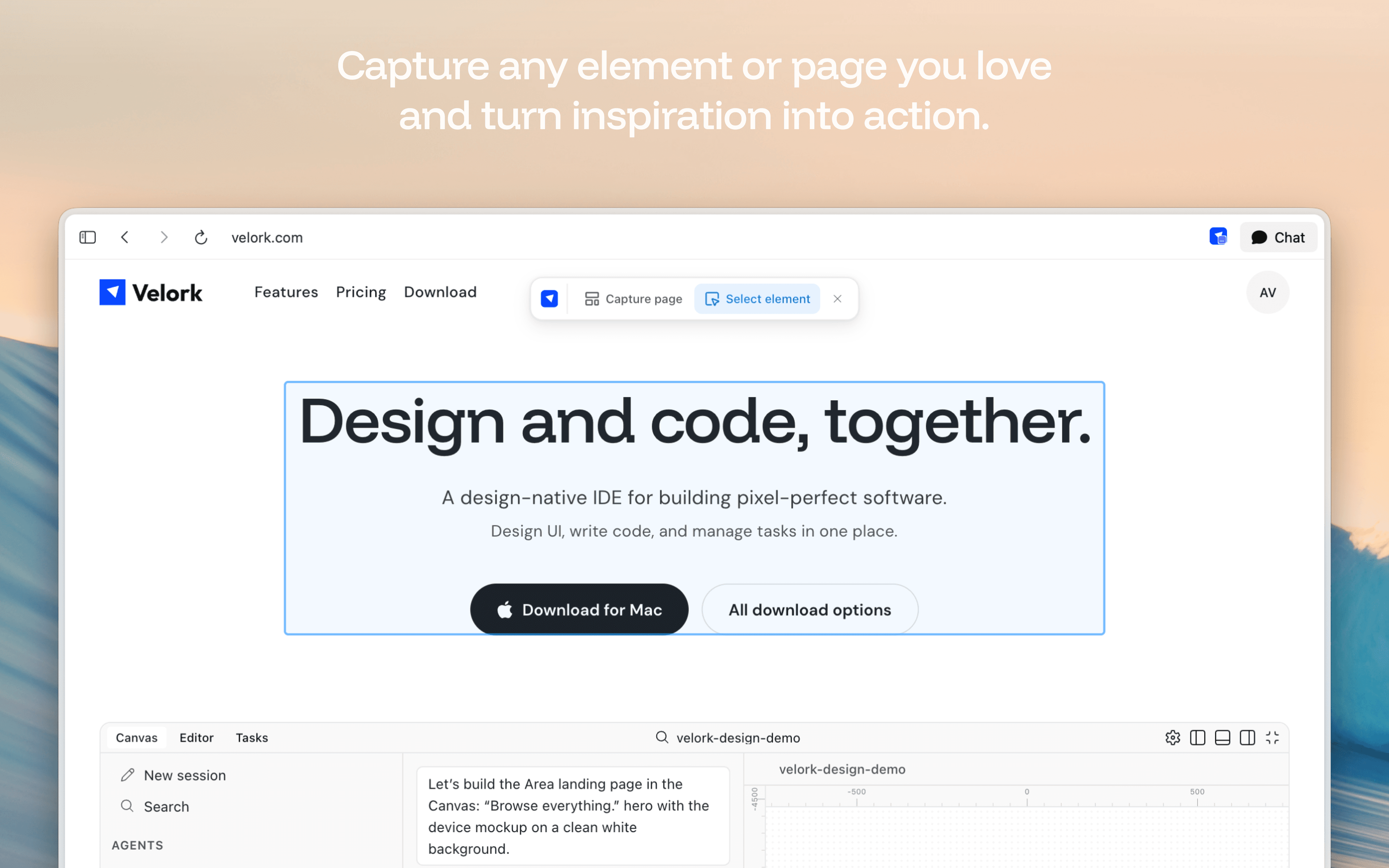
How it works
Add Velork Capture
Install the extension from the Chrome Web Store and sign in with your Velork account.
Capture stays on your device. Clipboard only, no server upload. We don't use your data for ads, and we don't resell it to anyone. Privacy policy
From the community
Join builders excited to try Velork
this is awesome! congrats to the team
3 minutes?? I spend longer naming the repo 😅
Love the idea of having figma like design within my AI enabled IDE
It’s a great product, and I really appreciate it!, I’m just a bit torn between yours and Figma’s MCP, which I can directly plug into my Cursor and start using instantly. I’m eager to see what exciting differences you’re bringing to the table.
Looking good! Mind if I DM🙏
Nice work getting that waitlist done. Simple tech stack choices are SMART... sometimes the best solution is the one that just works without all the fancy bells and whistles. Purpose over complexity wins every time.
Looking good 👌
Bro it's so clean, great work!
looks neat👍
Tight!
this is awesome! congrats to the team
3 minutes?? I spend longer naming the repo 😅
Love the idea of having figma like design within my AI enabled IDE
It’s a great product, and I really appreciate it!, I’m just a bit torn between yours and Figma’s MCP, which I can directly plug into my Cursor and start using instantly. I’m eager to see what exciting differences you’re bringing to the table.
Looking good! Mind if I DM🙏
Nice work getting that waitlist done. Simple tech stack choices are SMART... sometimes the best solution is the one that just works without all the fancy bells and whistles. Purpose over complexity wins every time.
Looking good 👌
Bro it's so clean, great work!
looks neat👍
Your next product starts here. Free.
Free to get started. No credit card required.